
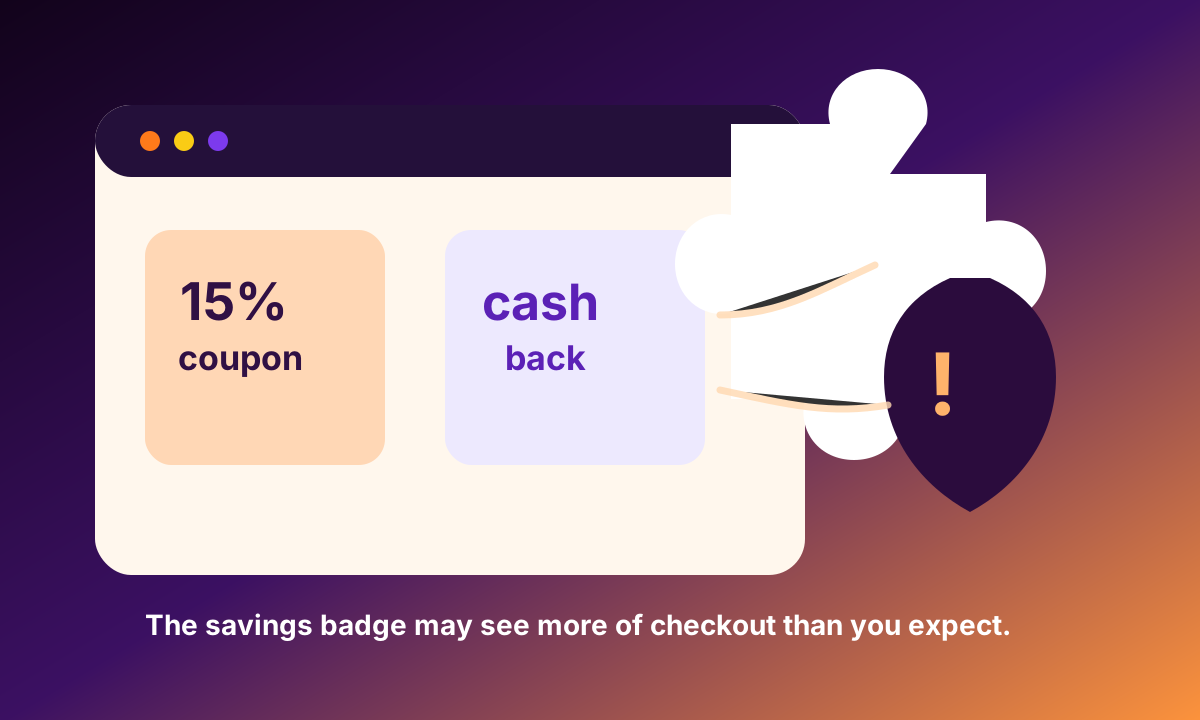
Are coupon and cashback browser extensions safe? Some are legitimate, and some people get real savings from them. The privacy question is not whether a discount is nice. It is what the extension needs to see in order to find that discount. A tool that works across shopping sites may need to detect the merchant, read page content, inject coupon codes, follow referral links, observe checkout state, or confirm that a purchase happened so a reward can be credited.
Browser permissions are the first clue. Chrome's extension documentation explains that extensions declare permissions for the APIs and sites they need to access, and users may see warning prompts for sensitive permissions. Those prompts are not perfect, but they tell you something important: a shopping helper can sit inside the browser in a more privileged position than a normal website. If it can read and change data on shopping pages, it may be close to the most valuable part of the session.
Cashback adds another layer because the business model often depends on attribution. To pay a reward, a service needs to know that a click, merchant visit, cart, or purchase happened through its channel. That can mean referral parameters, affiliate redirects, account linking, email confirmation, or purchase telemetry. None of that proves abuse. It does mean the extension is not just a passive calculator. It can become another party watching high-intent commerce behavior.
The FTC's action against Avast is a useful warning about the broader category of browsing data. The agency said browsing information should be treated as sensitive, and its broader discussion of mass data collectors included limits around how browsing and location data are handled. A coupon extension is not the same fact pattern as Avast, but the principle carries over: detailed web activity can reveal interests, health concerns, finances, family needs, and vulnerability even when each individual page looks ordinary.
Data-broker risk is the downstream concern. The FTC's data broker report described a market where consumer information is collected, packaged, and used in ways people often cannot see. Shopping extensions should be evaluated against that reality. What data is collected? Is it sold or shared? Is purchase history retained? Can you delete it? Does the extension work without an account? Does it collect only what is needed to test coupons, or does it build a wider cross-site shopping profile?
Fingerprinting and recognition make the tradeoff sharper. EFF's Cover Your Tracks project shows why browsers can be unusually identifiable even without a simple cookie story. If a savings extension adds account identity, purchase telemetry, and merchant-level history on top of a recognizable browser, the shopper's path can become more durable, not less. The irony is painful: a person installs a tool to pay less, while the browser becomes easier to associate with buying intent.
A practical checklist is to install fewer extensions, prefer tools with narrow permissions, remove coupon tools when you are not using them, avoid extensions that demand broad all-site access without a clear reason, read whether purchase data is shared, and use a separate browser profile for high-sensitivity purchases. cloak's angle is not anti-coupon. It is anti-invisible tradeoff. If the discount helper sees the checkout, the shopper should understand the privacy cost before the savings badge becomes another tracker in the cart.