
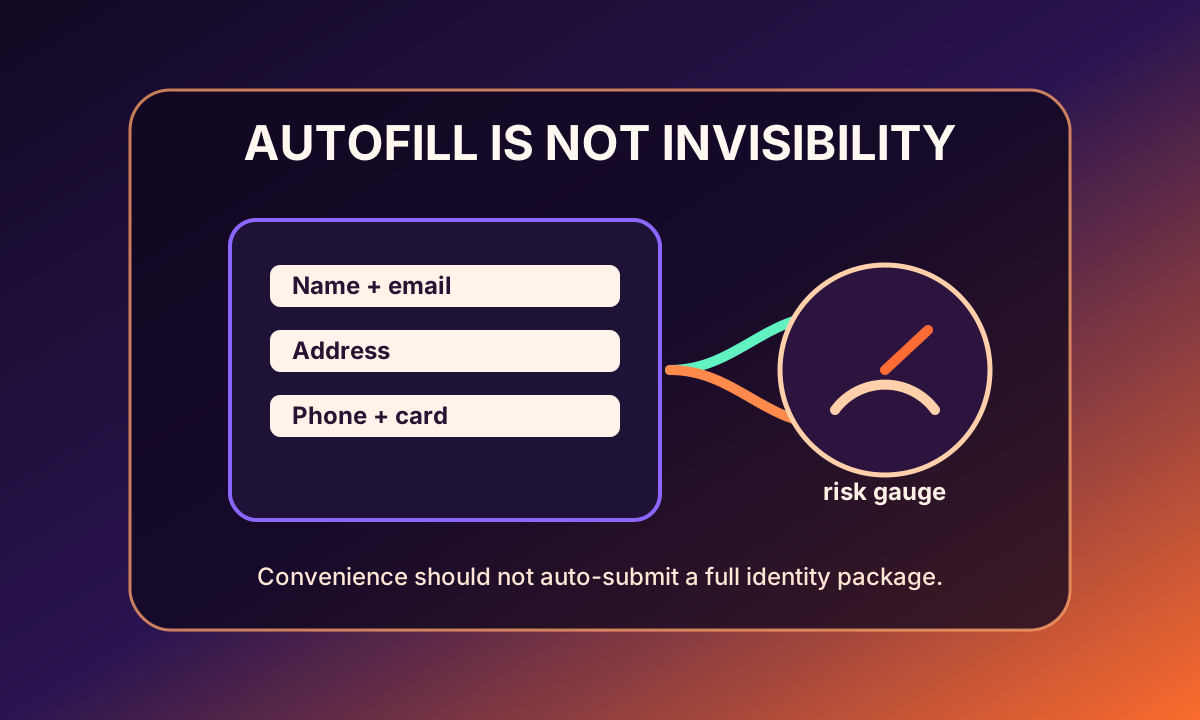
Browser autofill privacy risk at checkout is not a simple warning to turn every convenience off. Autofill can help people avoid typos, use stronger saved credentials, and move through legitimate forms without retyping sensitive information on an untrusted keyboard. The problem is that checkout pages are dense with identity: name, email, phone, shipping address, billing address, card details, delivery instructions, account recovery hints, and sometimes demographic or loyalty fields. When one click fills all of that at once, the shopper can lose the pause that would normally reveal whether each field is truly needed.
NIST's digital identity guidance treats authentication and account recovery as serious security surfaces, not casual form details. That matters for shopping because saved emails, phone numbers, and addresses often become recovery paths. A retailer login may not feel as important as a bank login, but it can hold order history, saved cards, household addresses, returns, subscriptions, gift purchases, and personal preferences. Autofill makes it easy to keep those accounts usable. It also makes it easy to feed another site a stable set of identifiers that can connect the session to a broader profile.
There is a security upside too. The FTC warns consumers about phishing because fake forms and impersonation are common ways attackers harvest credentials and personal information. Password managers and browser autofill can sometimes help by filling credentials only on matching domains, which may reduce the chance of typing a password into a lookalike site. But that protection is not a privacy shield for every checkout field. A real merchant page can still ask for too much, and a compromised or overly instrumented page can still observe more form behavior than the shopper intended to reveal.
Princeton's session-replay research is the cautionary evidence. Researchers found replay scripts on many sites that captured user interactions and, in some cases, sensitive information before proper redaction. The lesson for autofill is not that every retailer records every field. It is that form interactions can be watched by more than the visible store brand. Analytics, fraud vendors, replay tools, personalization scripts, and customer-support software may sit near the form. A shopper who auto-fills a full identity package should assume the page environment matters, not just the final submit button.
The NIST Privacy Framework helps describe the right design goal: manage privacy risk by understanding data processing and limiting what is unnecessary. Autofill works best when the page practices minimization — clear required fields, no surprise optional identifiers, no hidden marketing consent, no needless birthdate or phone capture, and strong separation between payment processing and profiling. It works worst when convenience masks extraction. A form that looks short because autofill handles it may still be collecting more than the purchase requires.
Shared and family devices make the issue more practical. A saved browser profile may contain an old address, a parent's phone number, a partner's card, a work email, or a child's school address. Autofill can accidentally merge contexts that the household would rather keep separate. The privacy failure may be mundane: a gift ships to the wrong saved address, a sensitive item enters a shared retailer account, or a checkout page learns a phone number that was never needed. For sensitive purchases, the safest convenience is selective convenience: fill only the fields the transaction truly requires. Slowing down for high-sensitivity forms is not paranoia; it is basic context hygiene.
A practical checkout checklist is to review fields before accepting autofill, keep separate profiles for high-sensitivity purchases, avoid storing unnecessary addresses on shared devices, use card wallets only on trusted sites, clear old phone numbers and addresses from browser profiles, and pause when a store asks for birthdate, gender, household details, or phone number without a shipping reason. cloak's job is not to fight useful autofill. It is to warn when a form becomes identity-hungry, reduce hidden tracking around the page, and help the shopper keep convenience from turning into automatic over-disclosure.